Add documents in minutes
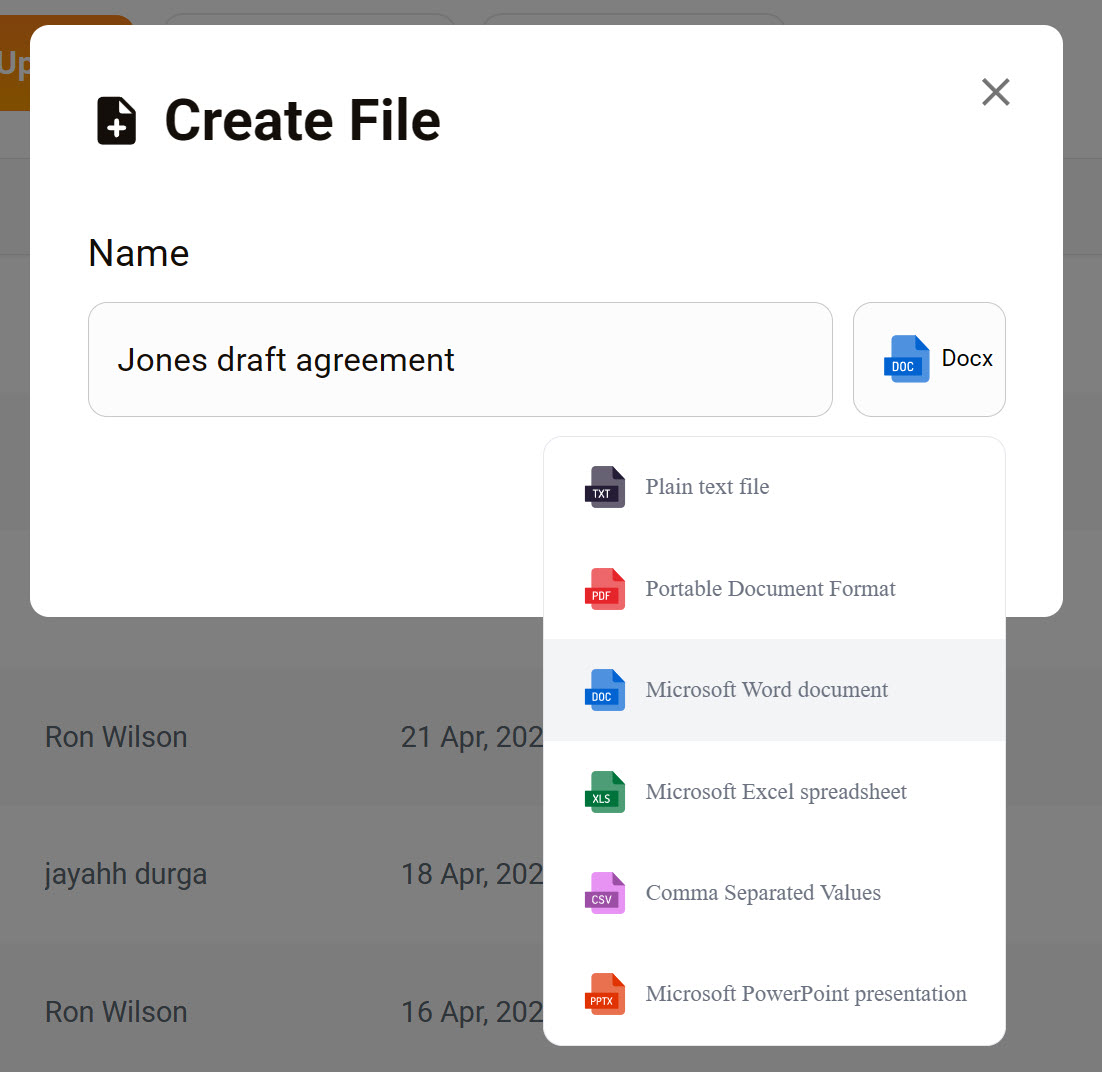
Quickly create a new file and save it to your Personal or Organization workspace. The supported file formats are: TXT, PDF, DOC, Excel, CSV, and PPT.
Prerequisite
To open a file in edit mode, you must be logged in to Aurasync. Learn how to install the app.
Create a file
- Go to Home > Workspace.
- Select the Personal or Organization button.
- Click Create File.
- Enter a filename.
- Click Options.
- Select a file format.
- Click Save.
Next steps
Once created, the platform adds the file to the table, where you can immediately:
- Move the file to a folder or different workspace.
- Open the file in Edit mode using Aurasync and begin adding content.