Find content across the platform
Global Search scans all folder and file names, article content, FAQs, and other written material within your Solarion account. It is the fastest way to locate information when you do not know the exact location.
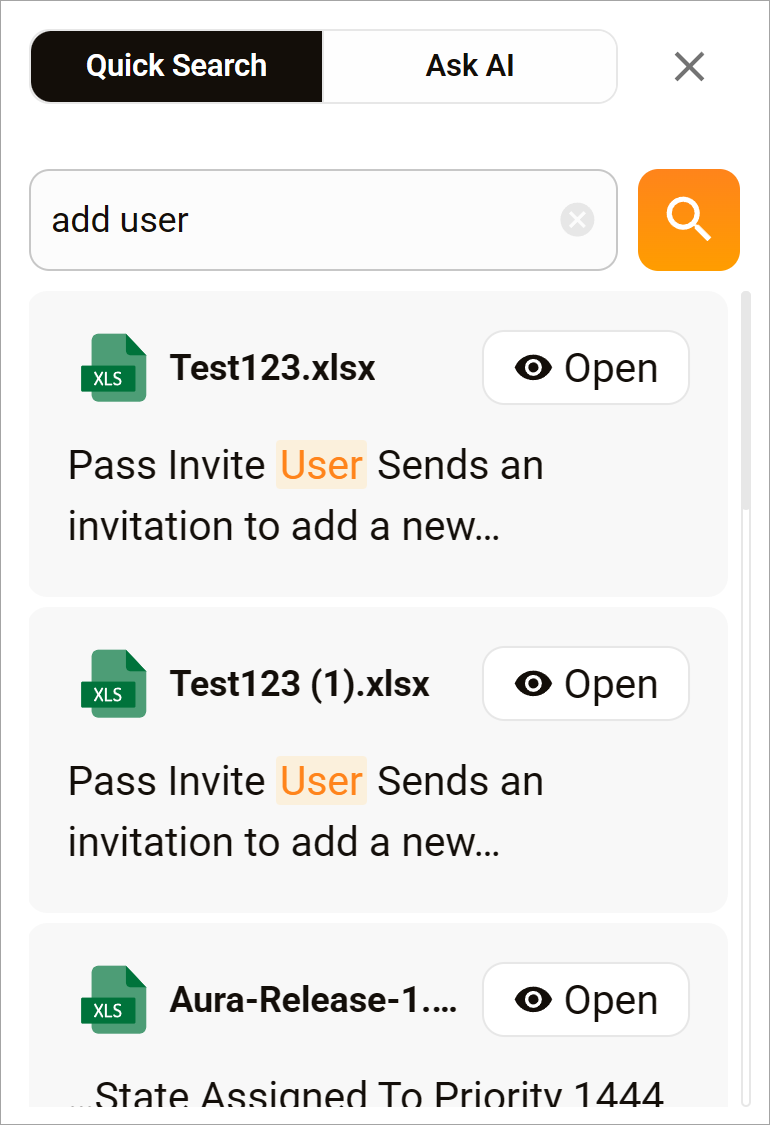
Run a global search
- Go to the top menu bar.
- Click the Global Search icon next to the notification bell. A pop-up displays.
- Enter a keyword or phrase.
- Click the search icon.
- Scroll through the results.
- Click the Open button to review the resource in a new browser tab.