Narrow the results on a page
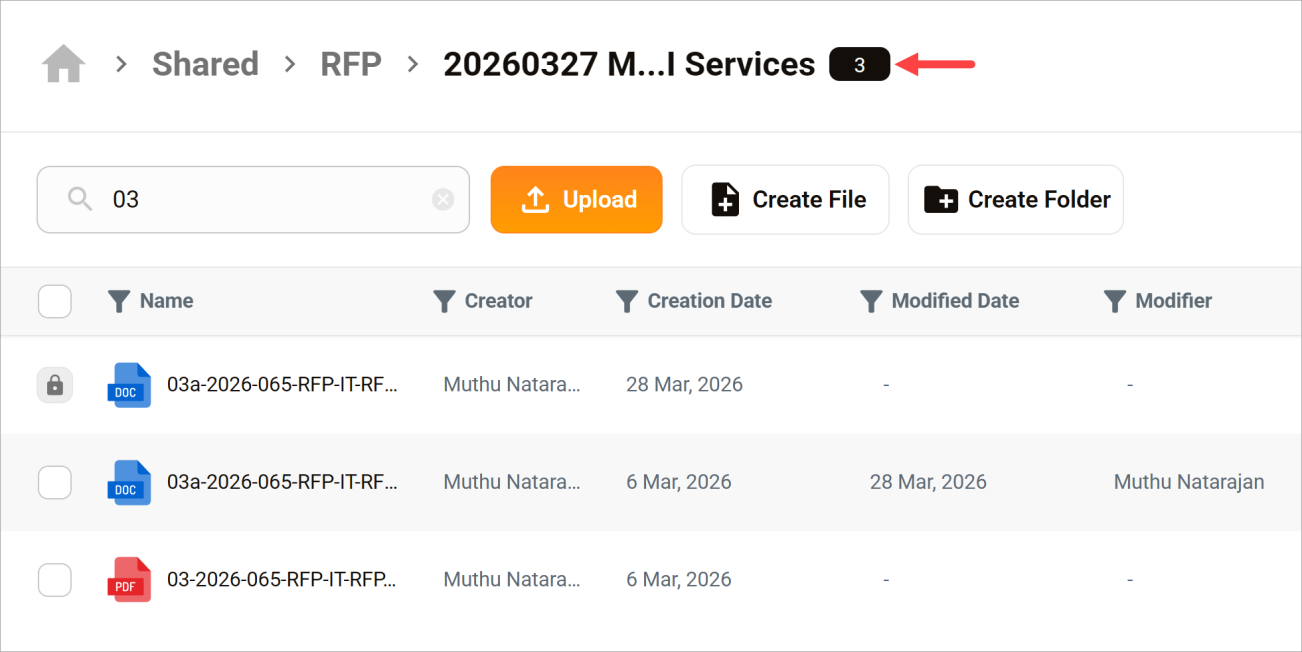
Solarion’s File/Filter Search filters the folders and files that are visible on the current window. Quickly locate a specific folder or file when you already know its name and location. This tool does not scan document content or items outside the current window.
Run a search
- Open a page with folders and/or files.
- Click the File/Filter Search bar.
- Enter a search name.
- Press the search icon.
The page filters show matching results. The number in the top row indicates how many were found.