Find content using natural language
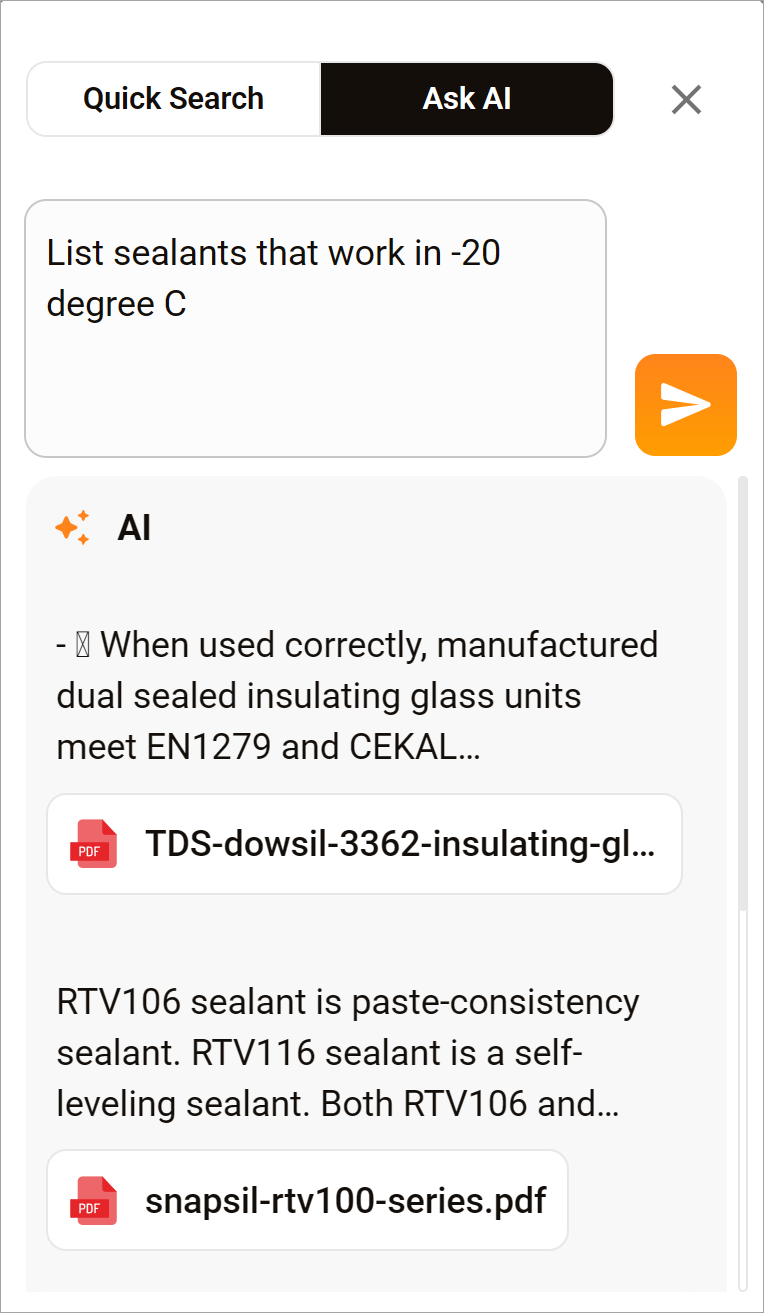
Ask AI helps you quickly locate information across your Solarion account. It uses AI to understand your question and return the most relevant results from your folders, files, and articles. It supports natural language queries, but does not generate answers.
Ask a question
- Go to the top menu bar.
- Click the Global Search icon next to the notification bell. A pop-up displays.
- Click the Ask AI tab.
- Enter a question or prompt.
- Press Enter.
Click a referenced result to open the source in a new browser tab.