Work with outside teams
Share files with external users when you need to collaborate with customers, vendors, contractors, or other people who do not belong to your organization account. Securely share files outside the organization with an email message and link while keeping the original file in its existing location.
Share a file
- Locate a file.
- Click the three dot icon.
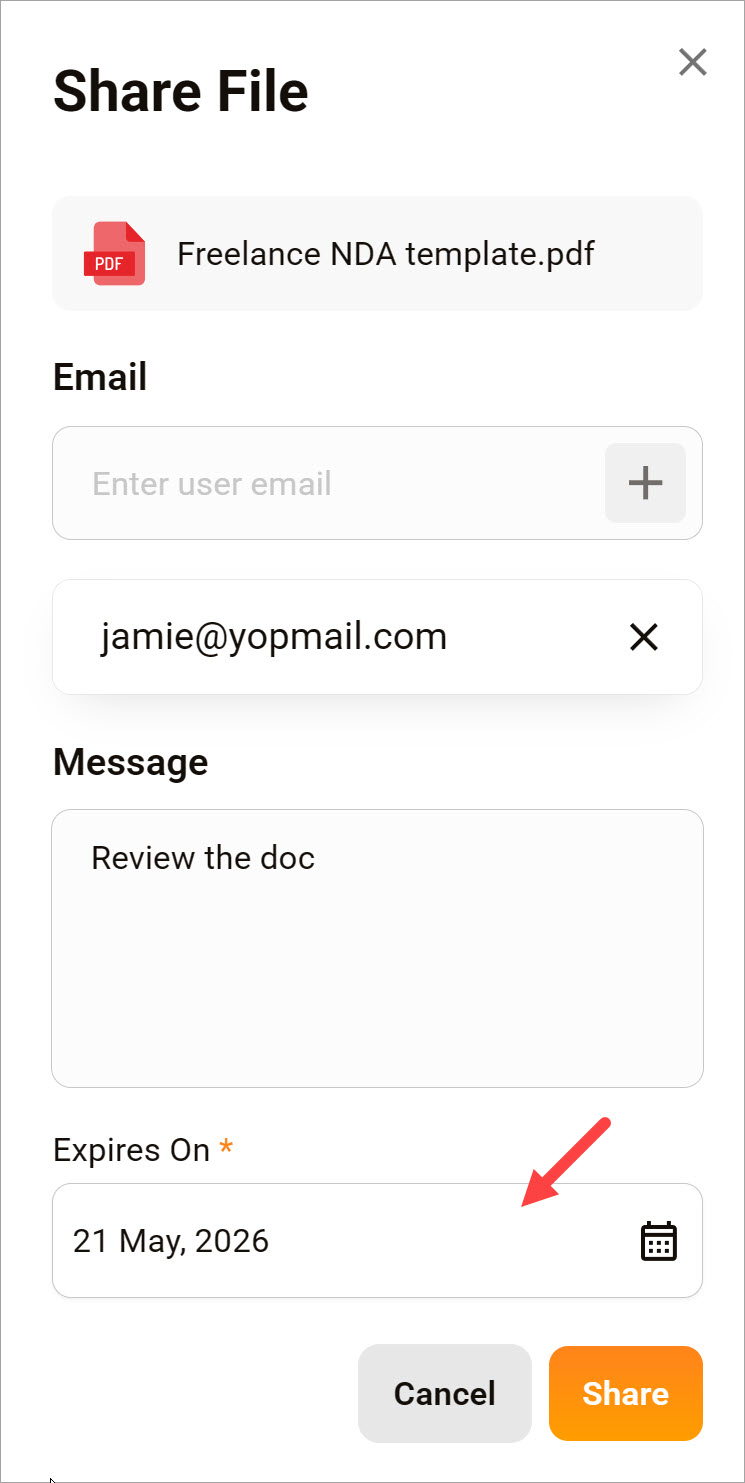
- Select the Share menu option. A pop-up displays.
- Enter an email address.
- Click the plus (+) icon.
- Optionally, repeat steps to add more email addresses.
- Enter a message (optional, maximum 200 characters).
- Use the calendar picker to set an expiration date for the link.
- Click Share.
🟧 You cannot share a file with an Expires on date set to today or an earlier date.
Receiver view
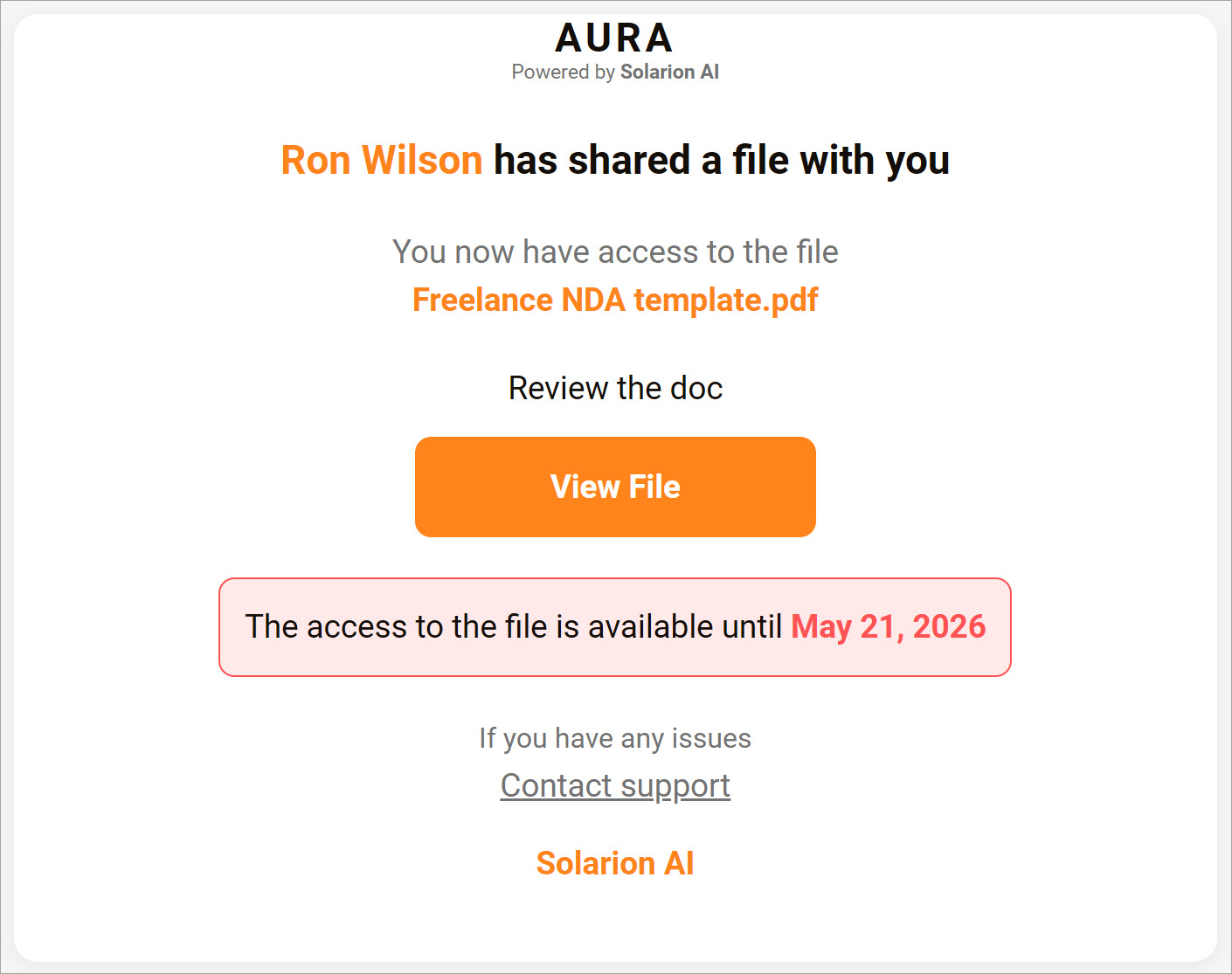
The user clicks the link in the message. The file displays in a new browser tab.