Modify shared access rules
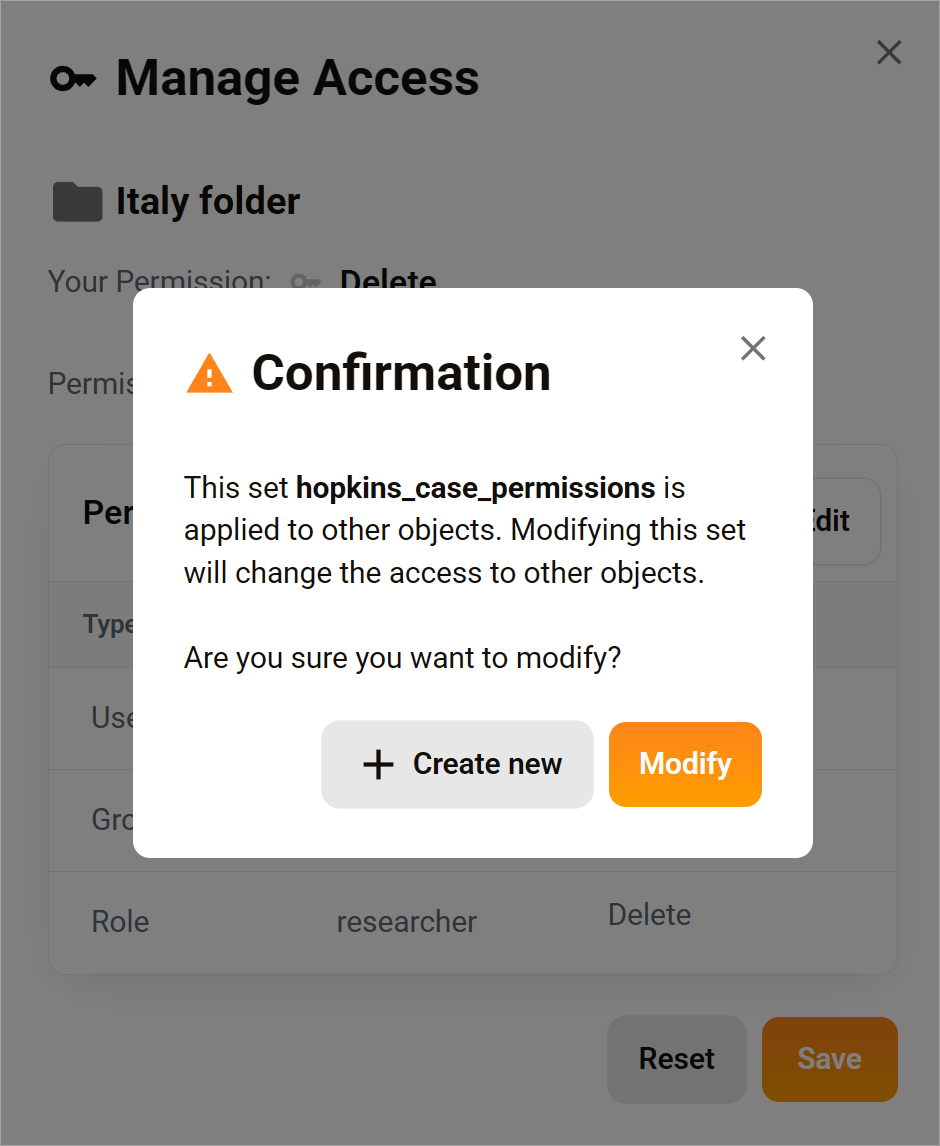
A Permission Set is a reusable collection of access rules that can be applied to files and folders. Editing a Permission Set allows you to update who has access and what level of access they have. Because permission sets can be used across many assets, changes to a set can affect multiple files and folders. If you want to apply a targeted change, you can instead create and apply a modified Permission Set to a single asset.
Apply changes across the organization
Follow these steps to change settings on the main Permission Sets page. The changes you make here will impact all assets with the modified Permission Set.
- Click Admin on the side menu.
- Click Permissions on the sub-menu.
- Locate a set.
- Click the pencil icon to open the set in Edit mode.
- Modify the rules.
- Click Save.
Apply changes to a single asset
Follow these steps to make a targeted change. Apply a Permission Set to a file or folder, edit the set rules, and then create a new set with a different name.
- Select a file or folder.
- Click the three-dot icon,
- Select Permissions.
- In the pop-up, select a Permission Set.
- Click Edit.
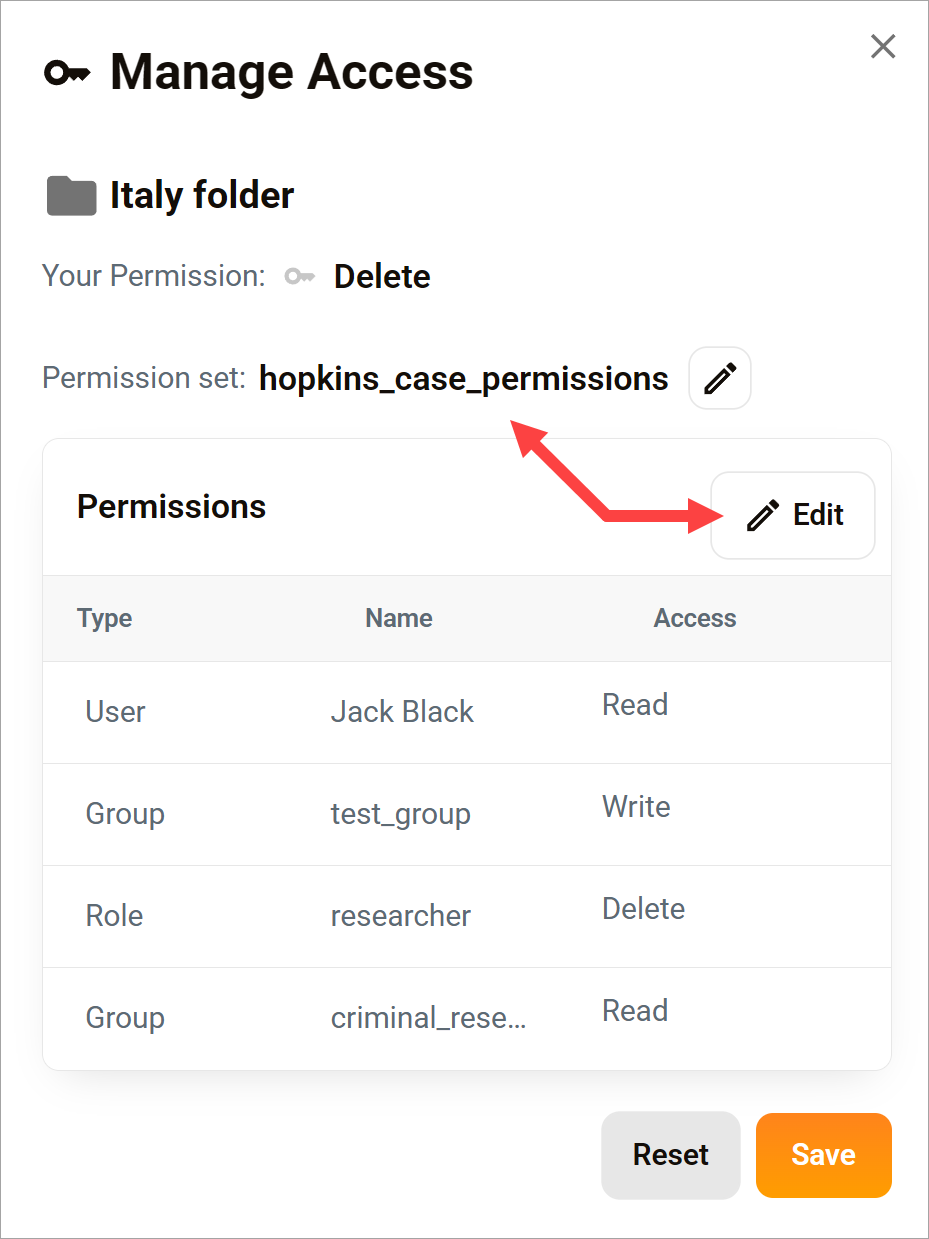
Create a modified set
- Make changes to the set.
- Click the checkmark to confirm changes.
- Click Save.
- In the pop-up, click Create new.
- Enter a unique name for the new set.
- Click Save.
🟧 If you click Modify and save, the changes you make will apply to every asset with that Permission Set.