Use predefined rules to quickly grant permissions
A Permission Set lets you apply a predefined group of access rules to a file or folder. This is useful when you want to grant the same type of access to multiple users, groups, or roles without configuring each rule manually. Instead of building permissions from scratch, you select an existing set and apply it in a few steps.
ℹ️ Permissions only take effect in the Organization Workspace.
If you set permissions on a file or folder in the Organization Workspace, they
apply immediately. If you set them in the Personal Workspace, they won’t take
effect until you move the file or folder to the Organization Workspace.
Open permissions
- Find the file or folder in your workspace.
- Open the three-dot menu on the row.
- Click Permissions.
The Permissions pop-up displays.
Apply a Permission Set
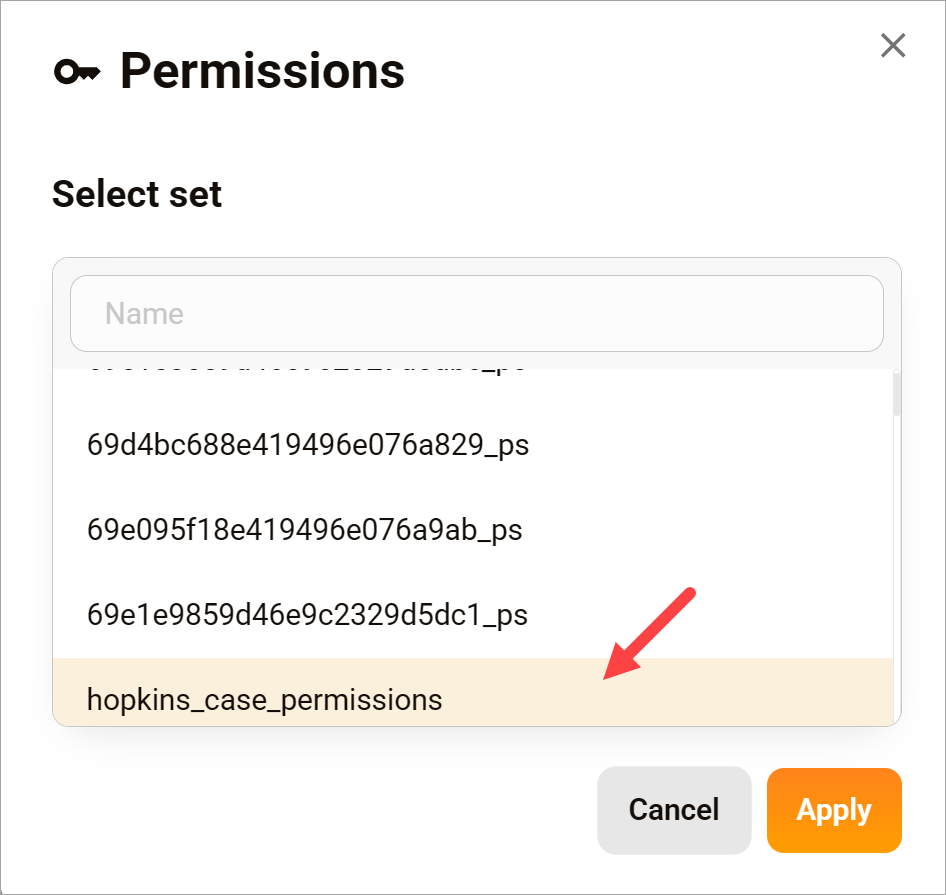
- In the Permissions pop-up, browse or search for a Permission Set.
- Select a set to view its rules.
- Click Apply.
- Review the rules in the next window.
- Click Apply again to confirm.
- Click Save.
Adjust rules (optional)
After selecting a Permission Set, you can review and adjust individual rules before saving.
- Modify the type, target, or access level if needed.
- Save changes when finished.
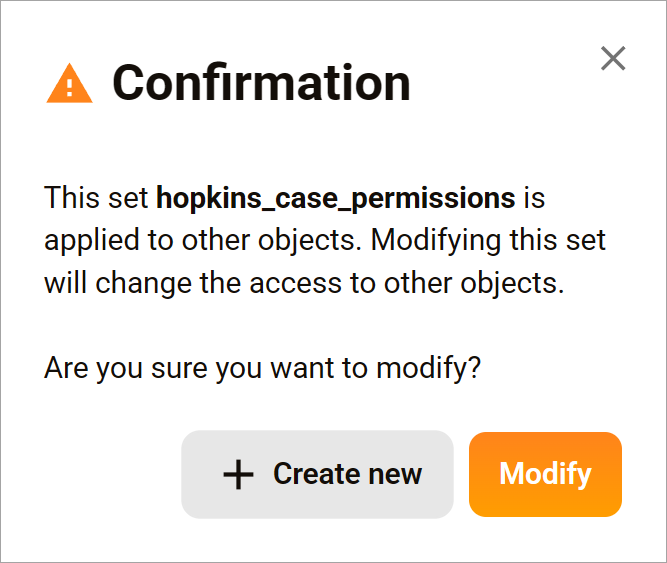
If you modify and save a Permission Set, you are changing the original set. This change applies to all files and folders that use the same set. To avoid affecting other assets, click the Create new button and save the configuration as a new permission set instead.