Find your favorites
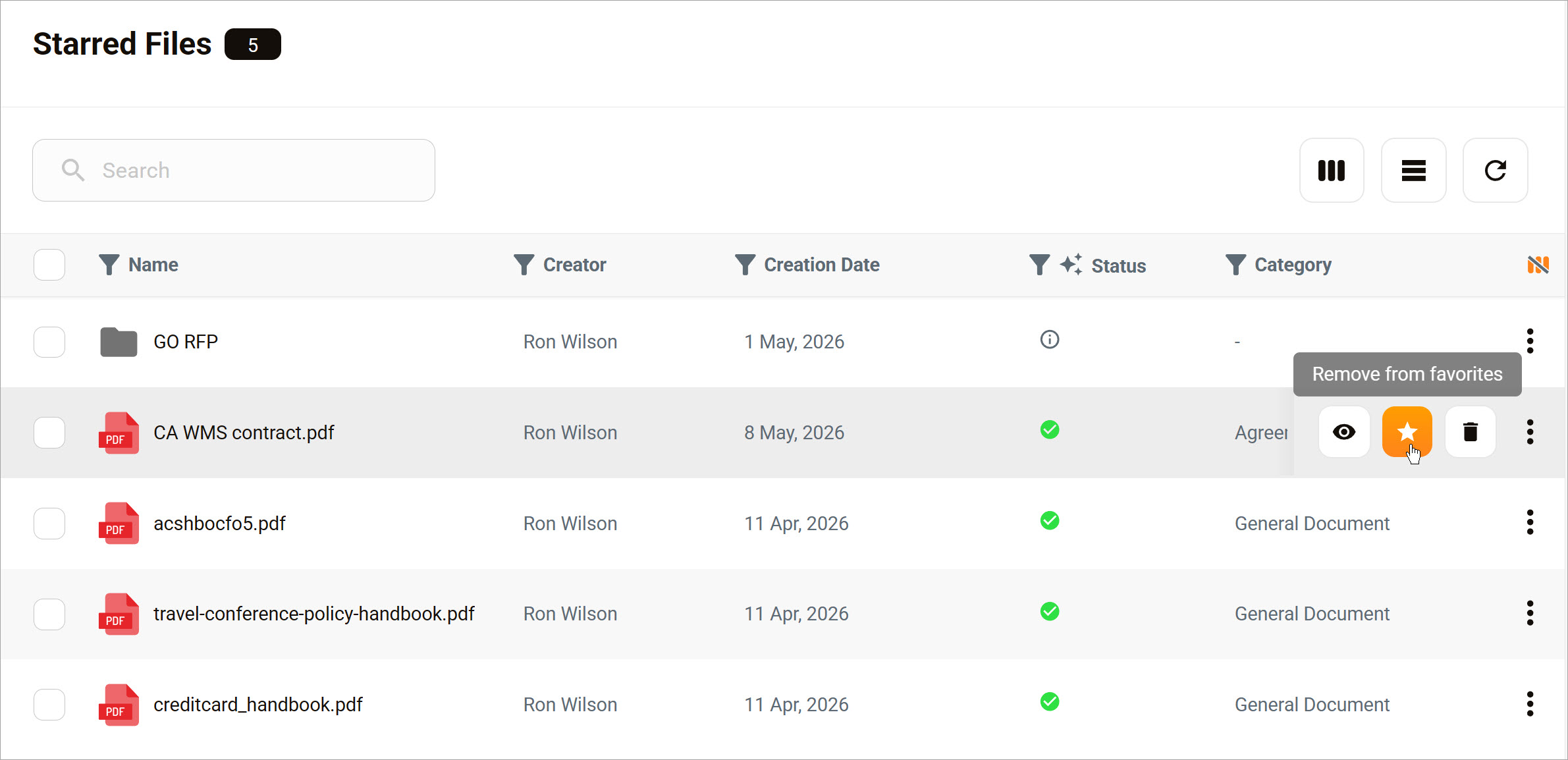
When you star a file or folder, a shortcut appears on the Starred page for quick access. Starred items stay in their original location, but you can open them directly from the Starred page. Use starred items to keep frequently accessed or important content easy to find.
To open the page, click Home > Starred.
Unstar an item
To remove a file or folder from the Starred page, unstar the item. Removing an item from the Starred page does not delete it or change its location. It only removes the shortcut from your starred list.